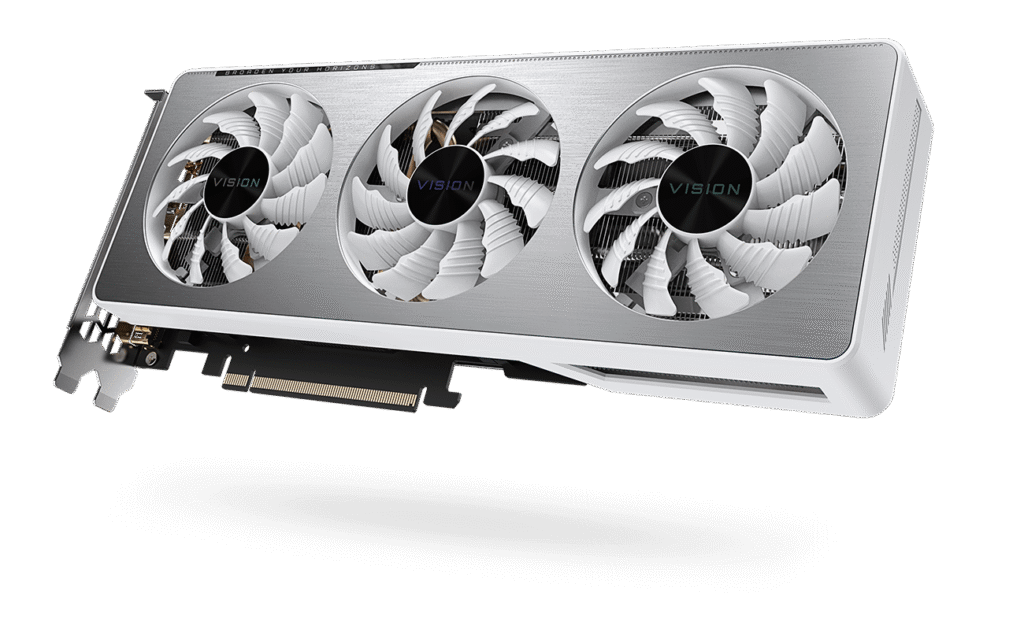
Status: Resolved
Category: GPU Repair / Board-Level Diagnostics
Device: Gigabyte RTX 3060 Ti Vision
Some graphics cards fail spectacularly.
Others just sit there, pretending everything is fine while Windows quietly gives up on them.
This Gigabyte RTX 3060 Ti Vision was somewhere in between.
It produced an image and booted into Windows, but the NVIDIA driver refused to cooperate and the card ended up with the dreaded Code 43.
GPU-Z added another clue:
0 MB VRAM.
Well, that usually means we’re going to have some fun.
Time to ask MATS
Instead of guessing, I ran MATS.
The result was surprisingly clean.
Well, clean in the diagnostic sense. The card itself was definitely not clean.
MATS reported thousands of READ errors on C0.
Nothing significant on the other memory channels.
That is exactly the kind of failure you want to see when diagnosing VRAM. Not because the card works, but because at least it is pointing at one specific place.
One memory channel.
One suspect.
One chip.
But which chip is C0?
C0 is a logical memory-channel designation. It isn’t conveniently printed on the PCB next to the memory chip saying „Hello, I am C0.“
So I opened the boardview for the Gigabyte PCB and followed the memory mapping.
C0 turned out to be M6.
That gave us a very simple chain:
MATS → C0 → Boardview → M6 → one very suspicious Hynix chip.
The card was populated entirely with SK hynix H56G32CS4D-X005 memory.
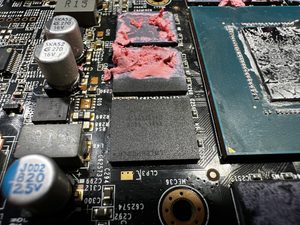
First chip out
The M6 memory chip was removed and replaced with a new H56G32CS4D-X005.
The original chip had the 128A suffix.
The replacement was 217A.
The part number matched, so there was no reason to suspect the replacement.
Except there was.
After the replacement, MATS was run again.
The original READ errors were gone.
Instead, we got WRITE errors.
And a ridiculous number of them.
With a 20 MB test, MATS reported exactly 1,316,736 WRITE errors.
At first, this looked like a problem with the installation.
There was one problem, though.
The PCB was noticeably bent, and that made a bad BGA connection a very real possibility.
So the first replacement chip was not immediately declared dead.
The board was checked, the connection was addressed, and the test was run again.
Still WRITE errors.
At that point the evidence was becoming harder to ignore.
The first replacement Hynix chip was faulty.
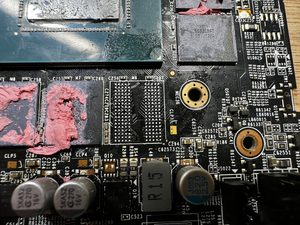
Second chip
Fortunately, there was another H56G32CS4D-X005 available.
The first replacement was removed and replaced with a second chip.
And this time, MATS had nothing to complain about.
C0 passed.
No READ errors.
No WRITE errors.
No mysterious new memory channel appearing out of nowhere.
Just a clean result.
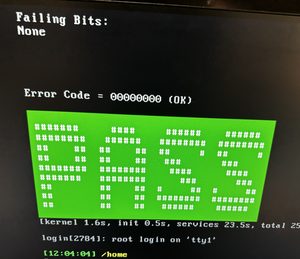
Time for Windows
With MATS finally passing, the card was tested normally again.
GPU-Z correctly detected the VRAM instead of reporting 0 MB.
The NVIDIA driver installed normally.
The Code 43 was gone.
The card was finally behaving like an RTX 3060 Ti again.
But passing MATS isn’t enough.
A memory repair that survives five minutes on the bench but crashes under load isn’t really a repair.
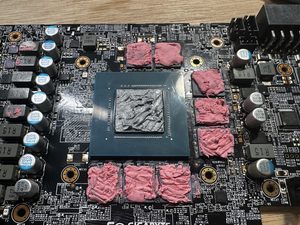
Cleaning up and repasting
While the memory repair was the main part of the job, the card also deserved some general maintenance.
After removing the old thermal material, the heatsink and GPU surface were thoroughly cleaned. The thermal paste was replaced with fresh compound, and the VRAM thermal putty was checked and properly positioned.
The area around the replaced memory chip was also cleaned up carefully. Any remaining flux and residue from the repair was removed, leaving the PCB clean before reassembly.
Once everything was back together, the cooler was mounted evenly and the card was ready for its final round of testing.
Stress test
The RTX 3060 Ti Vision was put through several load tests.
No crashes.
No artifacts.
No memory errors.
Everything stayed stable under load.
The repaired C0 channel was finally doing exactly what it was supposed to do.
The verdict
This repair ended up being a nice reminder that even a brand-new replacement memory chip isn’t automatically a good memory chip.
The diagnostic path was:
Code 43 → 0 MB VRAM → MATS C0 READ errors → Boardview M6 → first Hynix replacement → WRITE errors → first replacement chip found faulty → second Hynix replacement → MATS PASS → stress test PASS.
The Gigabyte RTX 3060 Ti Vision is back in working condition.
And the first replacement Hynix?
Well, it apparently decided that being new was enough of a qualification. It wasn’t.