
The watch started randomly glitching, mostly in cold weather. My initial assumption was that the issue was temperature-related, likely caused by a loose connection, cold solder joint or corrosion somewhere in the display path.
At the same time, the battery life had significantly degraded, so I decided to replace the battery and investigate the display issue while the watch was already disassembled.
Initial fault theories
- Cold solder joint or corrosion around the display flex connector
- Loose display flex cableInternal
- LCD failure (not realistically repairable)
Tools used
- T5 and T4 screwdrivers
- Isopropyl alcohol
- Freeze spray
- Plastic pry tool
- Contact cleaner
Disassembly
The watch is relatively straightforward to open, but care is needed around the flex cables and GPS antenna.
Steps:
- Unscrew the 5 screws located on the bezel side
- Carefully pry alongside the display
- Disconnect the display flex cable
- Remove the GPS antenna strip at the top
- Disconnect the barometer flex cable
- Lift the motherboard from the bottom side
- Battery is located on the backside of the motherboard
- Pull the battery connector upwards
- Slowly remove the battery using a plastic pry tool

Diagnosing the glitching display
In order to properly diagnose intermittent faults, reproducing the issue is extremely helpful.
Since the display glitches happened mostly during winter, I suspected temperature dependency. I placed the fully assembled watch into a freezer and successfully reproduced the issue, confirming that temperature was definitely a factor.
After disassembly, I started inspecting the display connector area for:
- cold joints,
- corrosion,
- mechanical damage,
- or signs of impact.
The display connector itself turned out to be slightly loose. My assumption is that the watch experienced a strong impact at some point, which weakened the connection over time. Lower temperatures likely worsened the issue due to thermal expansion and contraction.
Accidental LCD contamination
After replacing the battery, I cleaned the display flex connector using contact cleaner.
Unfortunately, this turned out to be a mistake.
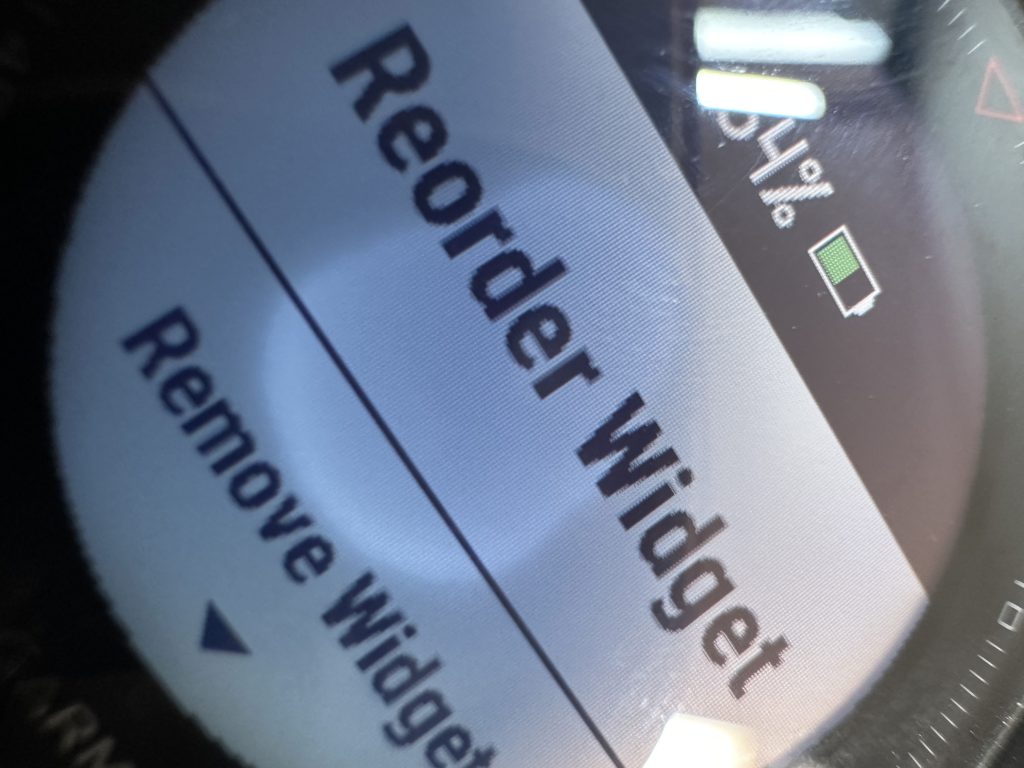
Some of the cleaner reached the backside of the LCD and seeped between the display layers. The stain itself was only visible when the backlight was enabled.
At first, I did not realize what had happened and fully reassembled the watch before noticing the issue.
Fixing my own mistake
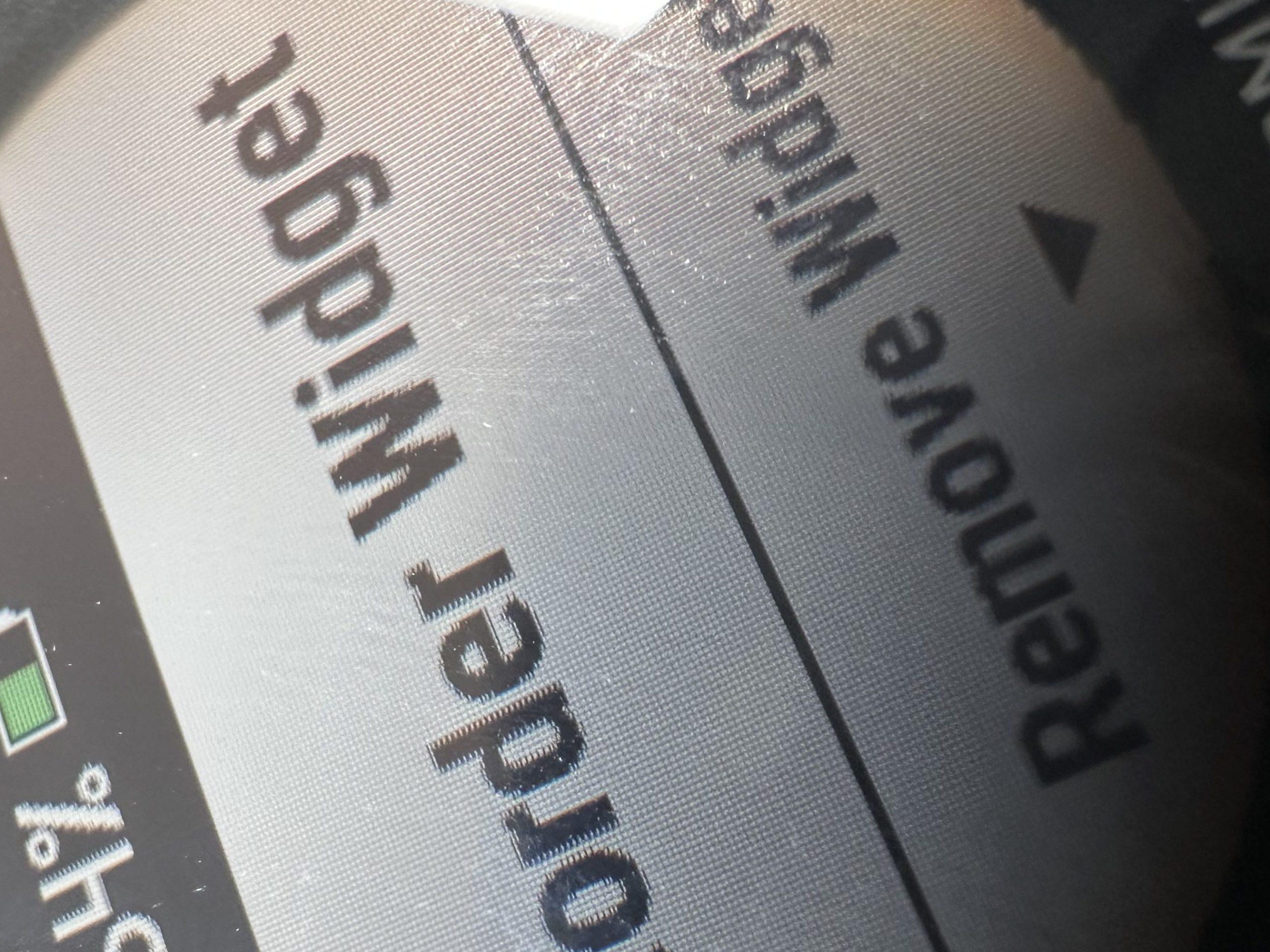
Once reopened, lightly pressing on the display caused the stain to move slightly, which strongly suggested trapped liquid rather than permanent panel damage.
Since the contamination appeared to be solvent-based, I decided to let it evaporate naturally instead of attempting further disassembly.
I placed the watch in a warm spot for approximately 15 minutes and periodically checked the display behaviour. The stain gradually became smaller, so I left it there for about an hour longer.
Fortunately, the stain disappeared completely.
No permanent display damage remained visible afterwards.
Reassembly
- Connected the battery connector by pressing from the top
- Replacement battery wires were significantly longer, so I flipped the battery orientation
- I decided not to re-adhere the battery due to the tight internal spacing
- The original adhesive strip remained attached to the motherboard, and pressing the board back into place caused it to stick to the replacement battery, which secured it sufficiently without additional adhesive
- Reinstalled the motherboard
- Connected the barometer flex cable
- Connected the display flex cable
- Reinstalled the GPS antenna
- Cleaned the seal and sealing surfaces
- Closed the watch housing
- Tightened screws lightly in a circular pattern
- Final tightening done diagonally
Final thoughts
I believe the display glitches were primarily caused by a loose display connection, with cold weather making the issue significantly worse due to thermal expansion and contraction.
The repair itself was relatively simple. Diagnosing the intermittent behaviour was the more interesting part.
Lessons learned
- Intermittent faults become much easier to diagnose once reproduced consistently
- Temperature can be an extremely useful diagnostic tool
- „Electronics-safe“ chemicals are not necessarily display-safe
- IPA and contact cleaners may not damage electronics electrically, but can still permanently affect optical layers inside displays